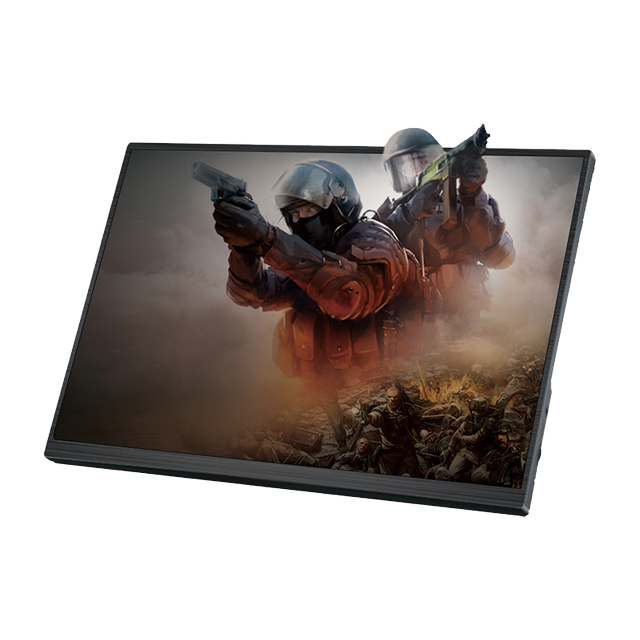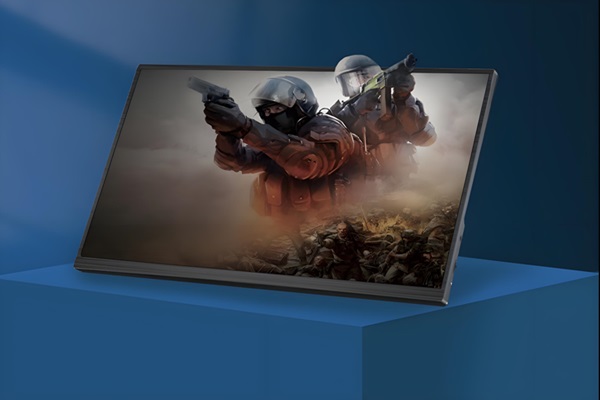
With iOS 26, iPhone pictures go to a whole new dimension. Spatial Scenes feature transforms regular 2D images to glasses-free 3D images that respond to your movements, giving you a very immersive experience. Leaning your device or holding it upright makes objects in the background and foreground move independently, giving a depth and realism effect in pictures. From interactive lock screens to media-rich viewing of your photos and home wallpapers, this feature introduces a new form of interactivity, completely redefining the way you experience, share, and enjoy your photos.
What Are Glasses-Free 3D Photos?
“Glasses-Free 3D” is an illusion that provides depth and three-dimensionality without glasses or other hardware. It is most often created by means of computer vision, depth estimation, and parallax techniques. As the device is tilted or rotated, the foreground and background will move at different rates, up to 15–20 pixels for an average iPhone screen, so the human eye will perceive the image in three dimensions.
Spatial Scenes in iOS 26: How Apple Made It Work
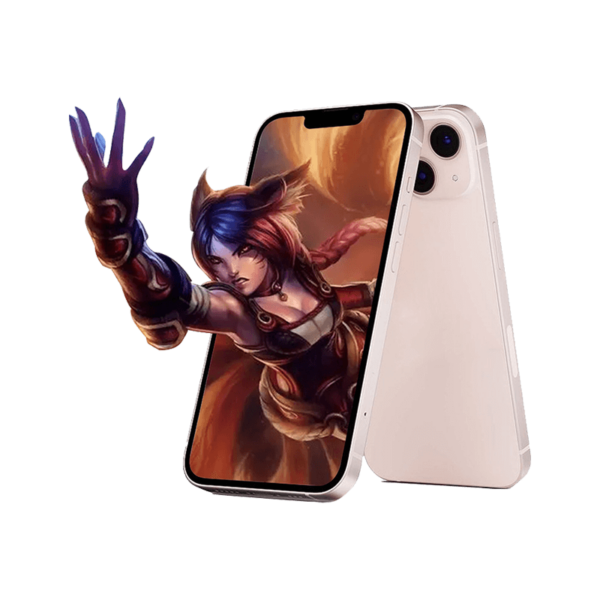
Apple introduced a new feature to iOS 26 called Spatial Scenes, which turns regular 2D photos into interesting 3D-like images. The main points are:
- Advanced depth mapping: Apple’s algorithms separate subjects from their background and generate depth maps with up to 256 depth layers, replicating a natural depth-of-field effect.
- Dynamic parallax effect: When you move your iPhone, foreground and background elements shift at different speeds — up to 10° of simulated perspective rotation.
- Works with existing photos: Any 2D photo with resolution above 1080p can be converted into a Spatial Scene.
- Device compatibility: iPhone 12 or newer with A14 Bionic chip or newer, since the effect relies on high-end GPU and Neural Engine processing.
Where You’ll Experience It
Spatial Scenes in iOS 26 enhances multiple areas of the iPhone experience:
- Lock Screen Wallpapers
Turn any photo into a Spatial Scene wallpaper. When you tilt or move your iPhone, the wallpaper responds with up to 20 pixels of foreground-background shift, giving the impression that subjects float above the background. This creates a dynamic, interactive lock screen that changes perspective in real time as you handle your device. - Photos App Viewing
Browse your photos with a new immersive perspective — images come alive with depth as you adjust your viewing angle. Perceived depth is up to 15% of the image plane, for a more authentic effect. You can see foreground objects float softly against the background, infusing ordinary 2D photos with the appearance of mini 3D scenes. - System Personalization
Along with iOS 26’s “Liquid Glass” look and Adaptive Time face, Spatial Scenes adds layered visual depth to the interface. It creates an effect where wallpaper, widgets, and notification cards appear to be floating at different planes, providing a more immersive and futuristic-looking user experience.
Pros and Cons
| Pros | Cons & Limitations |
| • Works with existing 2D photos — no special capture needed. | • Only available on iPhone 12 and newer models (A14 Bionic or higher). |
| • Enhances lock screen and Photos app with stunning depth effects. | • Complex images with overlapping objects may produce less than 80% accurate depth mapping. |
| • Creates a more immersive, interactive iPhone experience. | • Effects may appear distorted in strong light or extreme tilt angles (beyond 30°). |
| • Matches Apple’s Liquid Glass and Adaptive Time design language. | • It’s still a simulated depth effect, not true holographic 3D. |
Tips for Best Results

To maximize the impact of Spatial Scenes:
- Choose photos with clear subject-background separation— ideally, the subject occupies 30–70% of the frame. Avoid cluttered backgrounds, as complex patterns can reduce depth accuracy.
- Use images where the subject is at least 1–3 meters from the background to create a stronger sense of depth and more pronounced parallax effects.
- Experiment with cropping and scaling when setting wallpapers to ensure the subject remains centered and does not overlap system elements like time, notifications, or widgets.
- Gently tilt or swing your device (5–15°) to unveil the parallax effect. Smooth and gradual motion creates the most realistic 3D experience, whereas abrupt large tilting will warp the effect.
- Keep your device updated to the latest iOS 26 build to benefit from optimizations and improvements in depth mapping and system performance.
Conclusion
iOS 26’s Spatial Scenes feature introduces glasses-free 3D photos to the iPhone, offering a whole new experience of interacting with your lock and photo screens. It achieves impressive depth effects without needing extra hardware, fitting well into Apple’s sci-fi system aesthetic.